
Uses
Create professional motion graphics from a prompt with templates and detailed animation control. Generate an editable animation from a written idea and then adjust its details. Start from a ready-made template to produce 16:9 motion graphics.

Tool profile · Publisher documentation
Hera is a tool for creating professional, editable motion graphics from a prompt, using templates and detailed animation controls according to its supplier's public documentation. LE LABO IA has not tested the product, and this profile relies on that public documentation. Intended uses include turning an idea or prompt into polished, editable animation, producing motion graphics that can still be adjusted, and starting from ready-made templates. The documented feature set covers prompt-based animation generation, editable motion graphics, templates, 16:9 formats and detail customization. The exact price, billing period, quotas, free access, countries where the tool is available and exact terms of use are not confirmed and should be checked with the supplier. Information about legal rights is also not confirmed. Readers who need fast, prompt-driven motion graphics can treat this page as a starting point, not as a substitute for testing the product themselves.
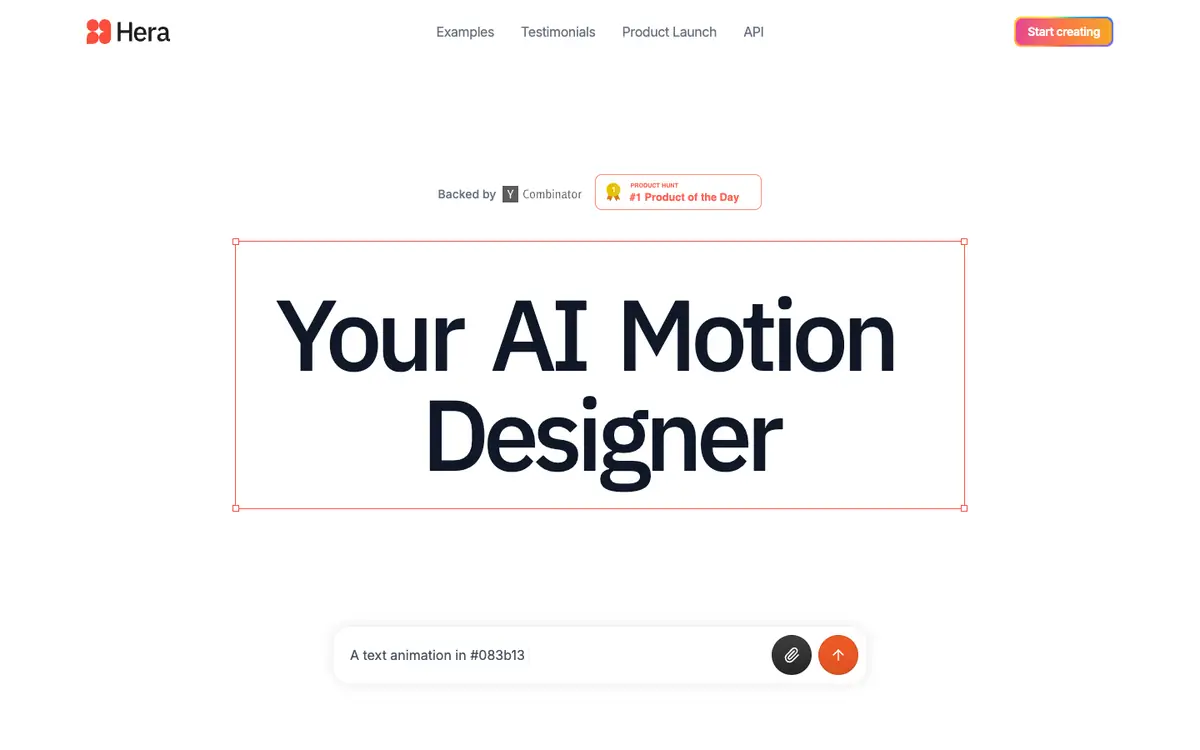
Tool profile · Publisher documentation
The product points below come from publisher documentation. No common hands-on test is claimed. Documentary profile, sources checked October 7, 2026. LE LABO IA has not tested this product.
Create professional motion graphics from a prompt with templates and detailed animation control. Generate an editable animation from a written idea and then adjust its details. Start from a ready-made template to produce 16:9 motion graphics.
Hera's exact prices, billing period, quotas and free access are not confirmed. Check the supplier's current offer before committing. No amount and no free trial are guaranteed here.
LE LABO IA has not tested Hera, so its real behaviour in a project is not confirmed. The exact price, billing period, quotas, countries where the tool is available and exact terms of use are not confirmed and should be checked with the supplier.
On the supplier site, check what the free access allows, if any, and what each paid plan includes, including quotas and billing period. Then try a short prompt and see whether the resulting animation stays editable, which templates are available and whether 16:9 output is supported as documented. Before committing, confirm that the tool is available in your country and that the terms of use match how you intend to publish the result.