
Uses
Creating short videos from a single photo for social posts and stories. Applying AI effects and visual styles to photos or media for creative experiments. Producing quick visual variations from existing images without a full editing workflow.

Tool profile · Publisher documentation
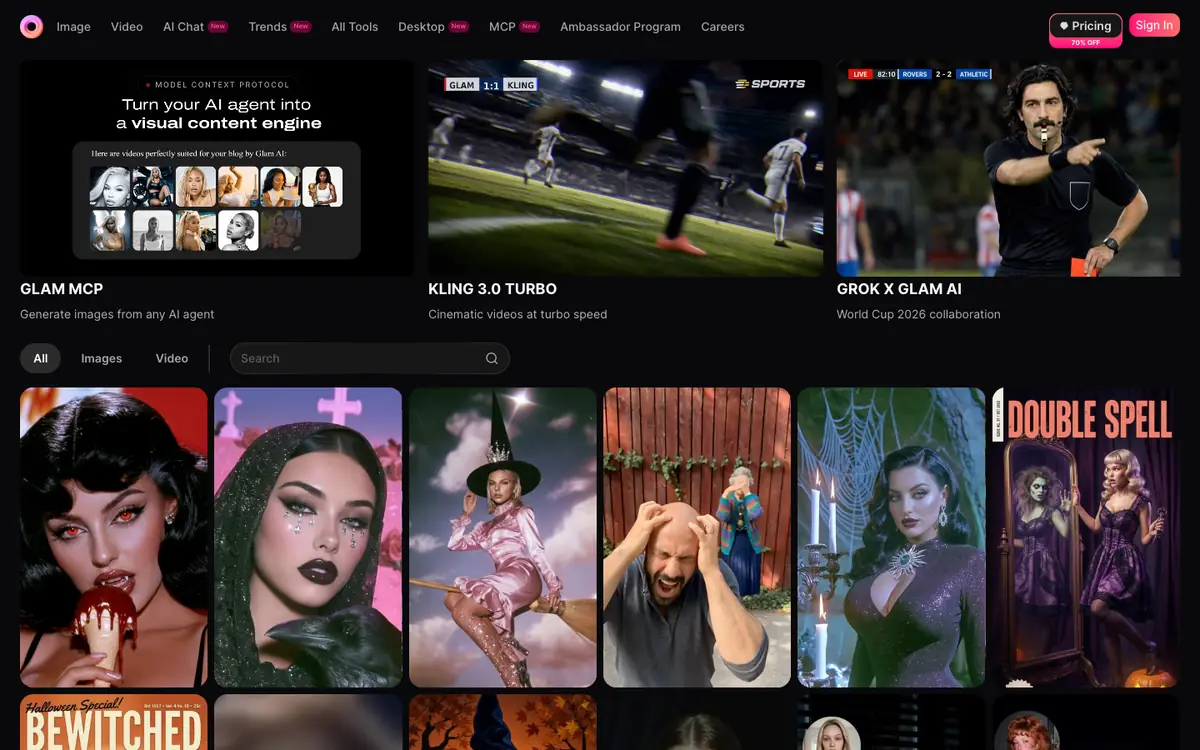
Glam AI is a generation tool that turns photos into videos and edits media with AI effects and styles. Its public documentation mentions photo-to-video conversion and trending effects, which makes it relevant for social content, quick visual experiments and creative repurposing. It is not presented as a professional editing suite, and the output quality, watermark rules and commercial rights are not documented in the material available here. The exact pricing, billing period, quotas and free access are not confirmed, so treat any figure you see as something to check with the supplier. Country availability and account terms are also unconfirmed. LE LABO IA has not tested the product, and this profile relies on the public documentation of its supplier.
Tool profile · Publisher documentation
The product points below come from publisher documentation. No common hands-on test is claimed. Documentary profile, sources checked October 6, 2026. LE LABO IA has not tested this product.
Creating short videos from a single photo for social posts and stories. Applying AI effects and visual styles to photos or media for creative experiments. Producing quick visual variations from existing images without a full editing workflow.
The pricing structure is not confirmed. Exact amounts, billing period, quotas and free access are not stated in the public documentation reviewed here, and no free tier or entry price can be guaranteed. Check the supplier page for the current plans, limits and terms before committing.
LE LABO IA has not tested Glam AI, and this profile relies on the public documentation of its supplier. Exact pricing, quotas, country availability and account terms are not confirmed; check them with the supplier. Rights over images, voices, music and identities must be checked before use; no commercial rights are guaranteed. Output quality, watermark rules and export formats are not documented in the material available here.
Visit the supplier site and check the current plans, quotas and country availability before paying. If a trial or free access is offered, upload one photo and review the resulting video quality, watermark and export options. Then confirm the licence terms for the images, voices and music you plan to use. Keep a copy of the terms that applied on the day you tested.