Tool profile · Publisher documentation
The product points below come from publisher documentation. No common hands-on test is claimed. Documentary profile, sources checked October 7, 2026. LE LABO IA has not tested this product.
Uses
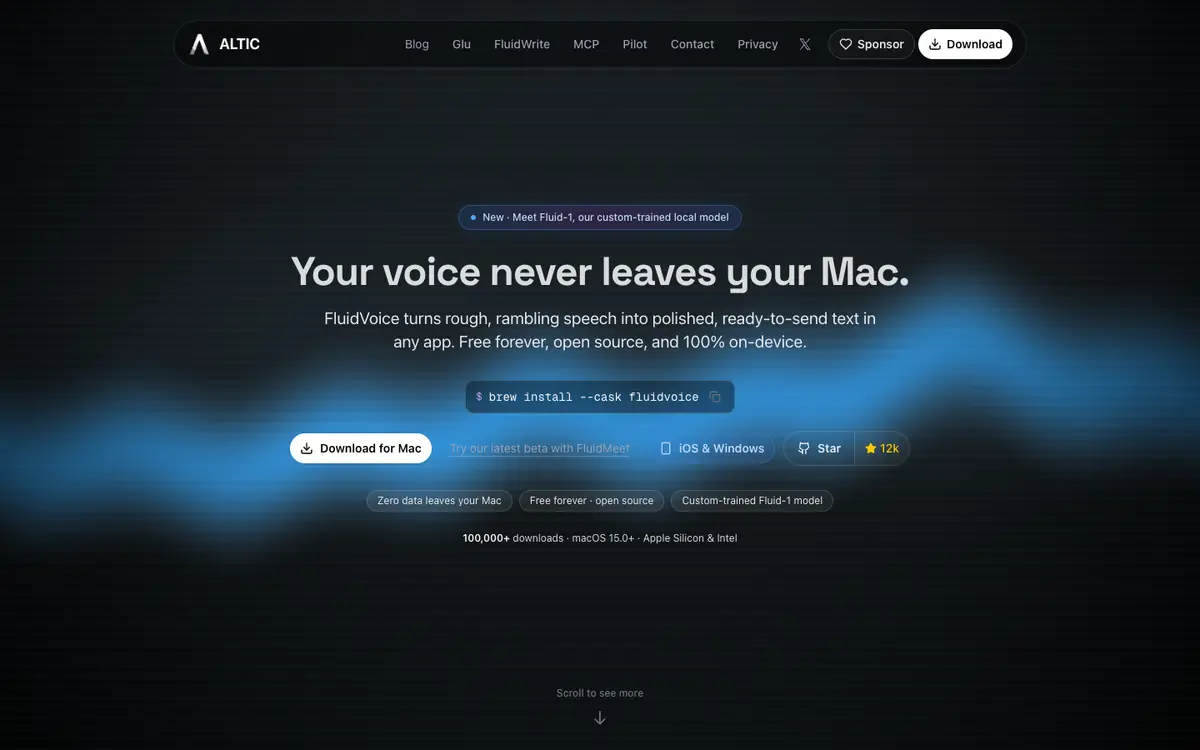
Dictate text in any macOS application and turn it into polished text with a local model, as documented by the supplier. Use Write mode to draft long passages by voice without leaving the app you are working in. Use Command mode for short spoken instructions where polished output matters. Use Dictate mode for direct transcription while keeping processing on your device.
Offer and pricing
FluidVoice is announced as free forever, with no tiers. The supplier's summary does not state any figure, and free access is announced on the home page. No paid plan, entry price or price range is given. Treat this pricing information as not confirmed and check current terms with the supplier before committing.
Limits to check
LE LABO IA has not tested FluidVoice, so behavior and output quality are not confirmed here. Quotas, regional availability and terms of use are not covered by the pricing summary. Confirm them with the supplier. No price figure is stated in the supplier summary. Check the current price on the supplier site before relying on it.
What to check yourself
Open the supplier site and look for the current download, supported macOS versions and language list. Check whether the free offer has any quota or condition attached, since this is not confirmed in the public documentation. If you install it, try Write, Command and Dictate in an app you use daily and compare the polished output with your original speech. Before committing, confirm pricing, availability and terms directly with the supplier.
- Quotas, territorial availability and terms of use are not confirmed by the available summary.
- No price figure is stated and the free offer should be checked with the supplier.
- LE LABO IA has not tested FluidVoice, so no hands-on result can be reported.