Tool profile · Publisher documentation
The product points below come from publisher documentation. No common hands-on test is claimed. Documentary profile, sources checked October 7, 2026. LE LABO IA has not tested this product.
Uses
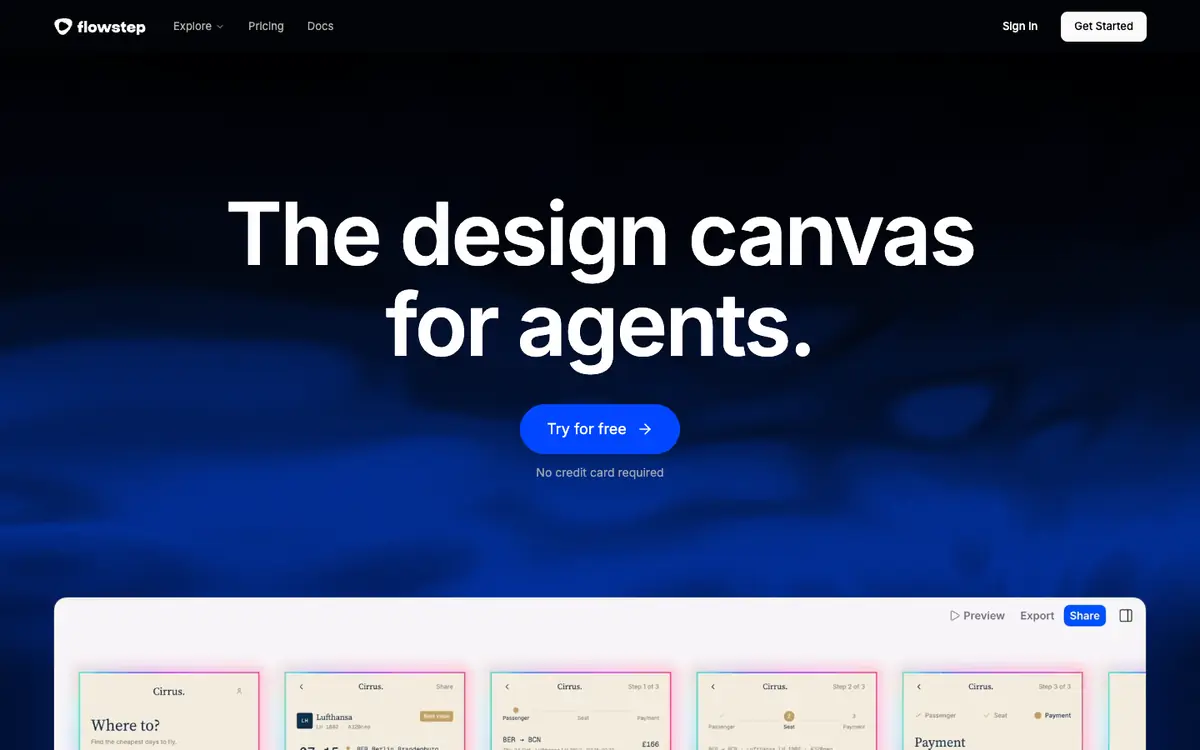
Iterate visually on interfaces and interactive prototypes with an AI-assisted design canvas. Explore interface ideas through AI chat editing before moving work into a familiar design workflow. Move work into Figma by copy-paste without rebuilding everything by hand. Connect the MCP server to integrate the canvas with compatible external tools.
Offer and pricing
The supplier's public pricing documentation lists Free at 0 USD per month with limited messages, Starter at 15 USD per month with 80 messages per month and unlimited projects and exports, and Enterprise quoted on request. Annual plans are said to save up to 20 percent, and the displayed amount is considered monthly. These prices, quotas, and terms are not confirmed; check them with the supplier before committing.
Limits to check
LE LABO IA has not tested the product; this profile relies on the public documentation of its supplier. Quotas, territorial availability, and usage terms are not confirmed here; check them with the supplier before committing. Pricing: monthly or annual billing applies, annual plans are said to save up to 20 percent, and the displayed amount is considered monthly; prices are not confirmed. Questions about support, uptime, and data handling remain unanswered in the public documentation.
What to check yourself
Visit the supplier site and check the free tier limits, the Starter message quota, and the actual entry price before subscribing. During a trial, create one interactive prototype and edit it through the AI chat to see how the iterations and exports fit your workflow. Then copy a design into Figma and connect the MCP server to confirm the integration works for your setup.
- Quotas, territorial availability, and usage terms are not confirmed; check them with the supplier.
- The free tier message limit and the Starter monthly message count come from public pricing documentation and are not confirmed.
- Prices and the reported annual saving of up to 20 percent are not confirmed; check them with the supplier.
- Support, uptime, and data handling details remain unknown in the available public documentation.