Tool profile · Publisher documentation
The product points below come from publisher documentation. No common hands-on test is claimed. Documentary profile, sources checked October 7, 2026. LE LABO IA has not tested this product.
Uses
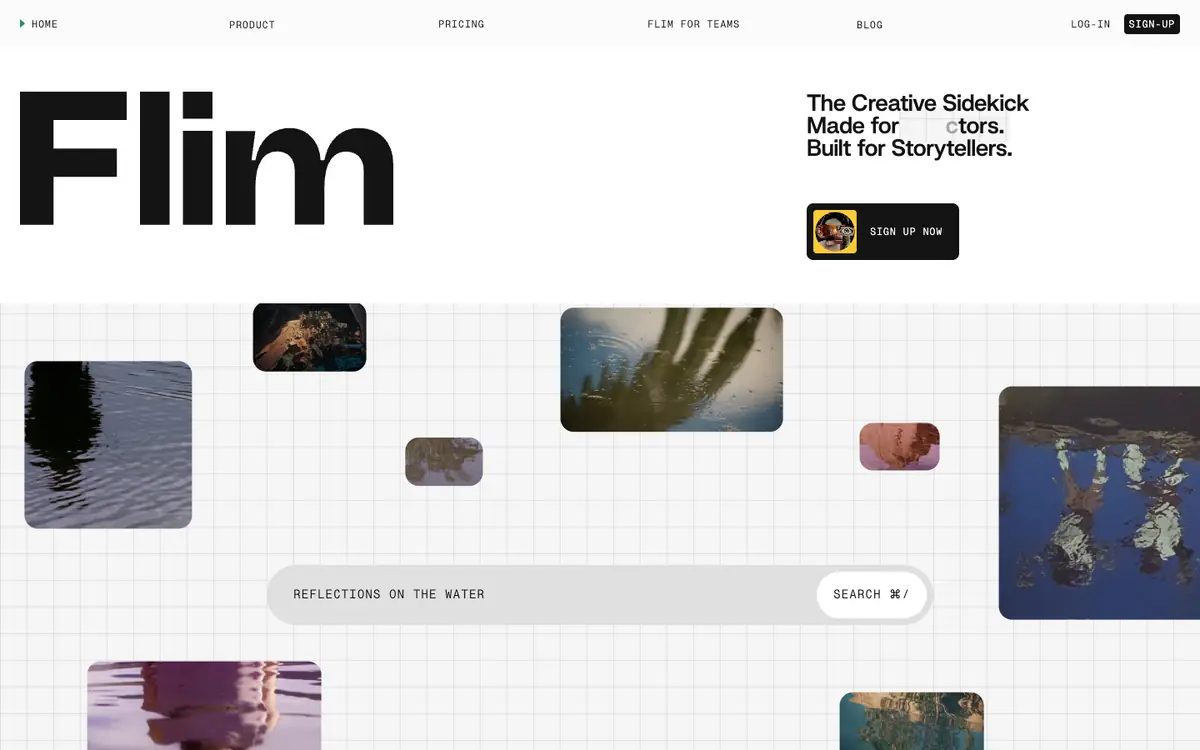
Search film, series, advertising and music video imagery to find visual references. Build shared reference boards for moodboards and creative direction. Generate and edit cinematic images with AI. Clip video from advertising and music videos for reference or moodboards.
Offer and pricing
The supplier lists a free plan with 1 user and 1 still per day at 1080p to 2K. The paid entry price appears as 14.90 EUR per month for the Basic plan, and 34.90 EUR per month for Pro. Teams is quoted on request, with a discount of up to 50 percent. All prices are shown excluding tax, and monthly or annual billing is offered on the page, with amounts noted in a monthly view. These prices, quotas and terms are not confirmed and should be checked with the supplier.
Limits to check
LE LABO IA has not tested this product; this profile relies only on the supplier's public documentation. Territorial availability, quotas and terms of use are not confirmed by the pricing summary and should be checked with the supplier. Prices are shown excluding tax; monthly or annual billing is offered on the page, with amounts noted in a monthly view, and should be rechecked with the supplier.
What to check yourself
Before you commit, start with the free plan and check the supplier site for the current price, quota and billing options. Test whether the visual search returns useful results for your mood, color or era queries by trying a few searches of your own. Try building a shared board and generating one image, then check how well the video clipping and Canva integration fit your workflow. Confirm territorial availability and terms of use with the supplier, since they are not confirmed here.
- Prices, quotas, territorial availability and terms of use are not confirmed and should be checked with the supplier.
- The free plan and paid prices are documented by the supplier but not independently tested by LE LABO IA.