Tool profile · Publisher documentation
The product points below come from publisher documentation. No common hands-on test is claimed. Documentary profile, sources checked October 7, 2026. LE LABO IA has not tested this product.
Uses
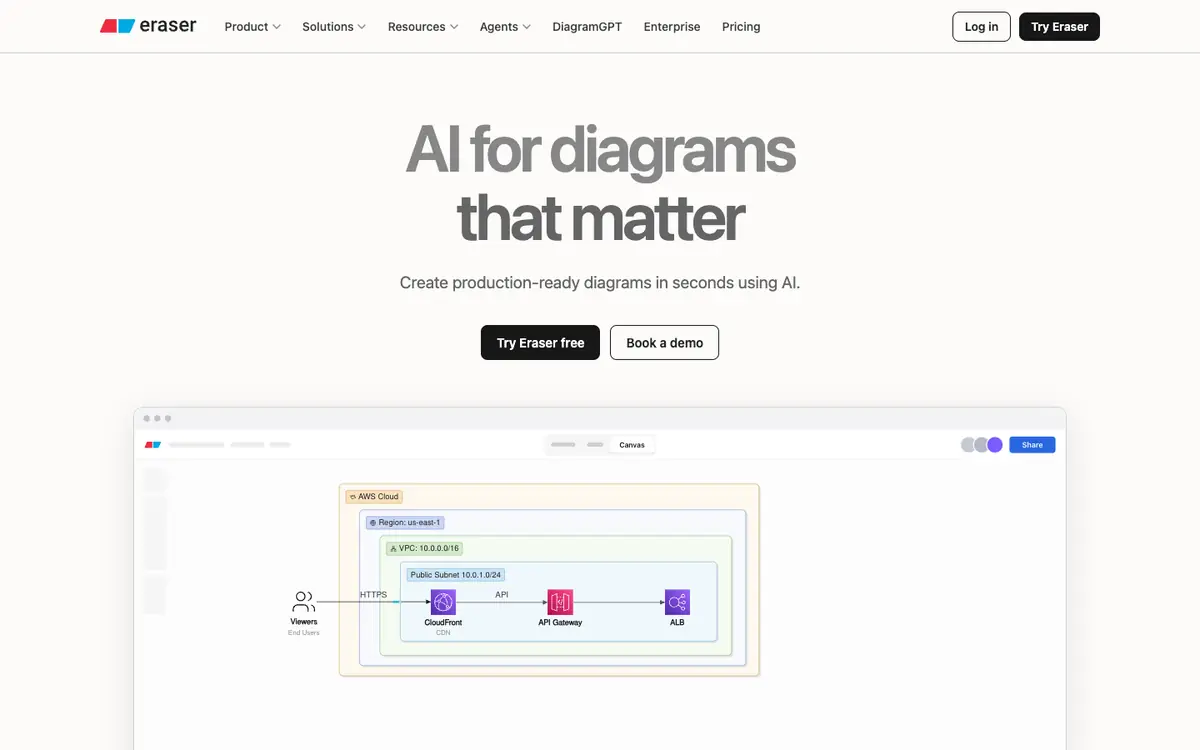
Generate production-ready technical diagrams from text, code or files, then refine them on the visual canvas with the AI chat. Source: eraser:c1. Keep documentation updated by generating diagrams from code and files, using the visual canvas and AI chat for adjustments. Source: eraser:c1. Write diagrams as code, which suits teams that want diagrams written and maintained like text; GitHub, Notion, Confluence and VS Code integrations are documented. Source: eraser:c1. Expose diagram workflows to MCP servers and agents, according to the supplier documentation. Source: eraser:c1.
Offer and pricing
Documented pricing: a Free tier at $0 per member per month, free forever, with 3 files, 3 AI diagrams and a 7-day version history; Starter at $15 per member per month billed annually, or $20 per month, with unlimited files, 40 AI diagrams and a 90-day history; Business at $45 per member per month billed annually, or $60 per month, with 250 AI diagrams, unlimited history and SAML SSO; Enterprise on a custom quote. Prices come from the supplier pricing page. Treat quotas, availability and terms as points to check with the supplier.
Limits to check
LE LABO IA has not tested the product; this profile relies on the supplier public documentation. Quotas, territorial availability and terms of use are not fully covered by the supplier summary; confirm them with the supplier and recheck prices on the day you commit. Price caveat: the amounts come from the supplier pricing page, where Starter and Business are shown at annual billing with an alternative monthly price.
What to check yourself
Check the supplier site for the current free tier limits, the entry price and any Enterprise conditions. If you try the tool, test generating a diagram from your own text, code or files, then edit it on the canvas with the AI chat. Also verify the documented integrations you need, such as GitHub, Notion, Confluence or VS Code, and confirm quotas and terms with the supplier before committing.
- Quotas, territorial availability and terms of use are not fully covered by the supplier summary and should be checked with the supplier.
- Prices come from the supplier pricing page and may change; confirm them with the supplier when you subscribe.
- This profile is based on public documentation only, so product behaviour and current conditions may differ.