
Uses
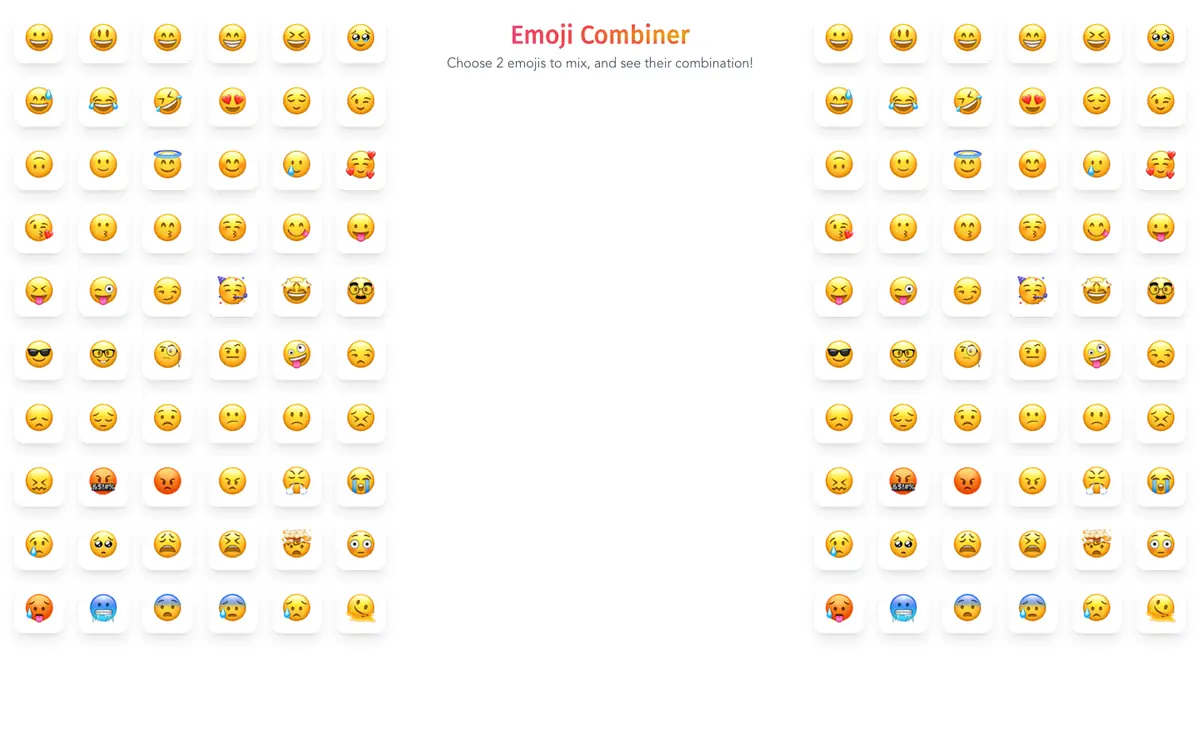
Combine two emojis to create a new emoji for a message, profile or post. Download the created emoji to keep it for later use. Copy a created emoji to the clipboard and paste it where you need it. Share a created emoji on social networks.

Tool profile · Publisher documentation
Emoji Combiner is a design tool listed under the name Emoji Combiner. According to the public documentation of its supplier, it allows you to combine two emojis to create new emojis that you can download, copy or share. LE LABO IA has not tested the product, and this profile relies on the public documentation of its supplier. That documentation states that the platform lets you combine any two emojis to form an entirely new emoji. The documented capabilities are straightforward: combining two emojis, downloading the created emojis, copying them to the clipboard and sharing them on social networks. Prices, quotas, territorial availability and exact terms of use are not confirmed, so treat them as points to check with the supplier before you commit. The profile covers documentary uses and features only; anything beyond the public documentation remains unknown.
Tool profile · Publisher documentation
The product points below come from publisher documentation. No common hands-on test is claimed. Documentary profile, sources checked October 7, 2026. LE LABO IA has not tested this product.
Combine two emojis to create a new emoji for a message, profile or post. Download the created emoji to keep it for later use. Copy a created emoji to the clipboard and paste it where you need it. Share a created emoji on social networks.
The pricing state is not confirmed. Exact prices, billing period, quotas and whether a free tier exists are not confirmed, so no amount and no free trial can be guaranteed. Check the supplier's current offer before relying on any price or quota.
LE LABO IA has not tested the product, so no hands-on result can be reported. Prices, quotas, territorial availability and exact terms of use are not confirmed and should be checked with the supplier.
Before committing, open the supplier site and check whether combining two emojis works without an account. Then check the current price, any free tier or quota, and the exact download, copy and share options during a trial. Confirm the terms of use and territorial availability with the supplier, since these are not confirmed here. If a paid plan is required, verify the billing period and cancellation terms first.