Tool profile · Publisher documentation
The product points below come from publisher documentation. No common hands-on test is claimed. Documentary profile, sources checked October 7, 2026. LE LABO IA has not tested this product.
Uses
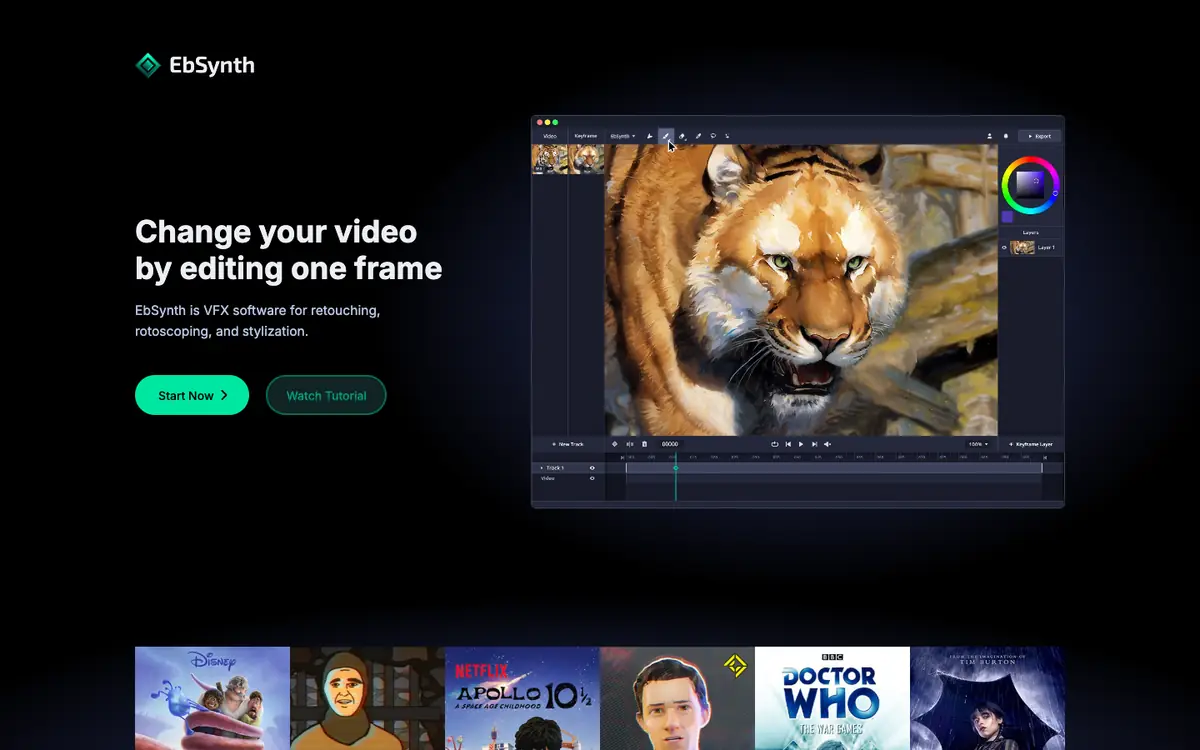
Change video footage by editing a single key frame instead of editing every frame, as described in the supplier's documentation. Create frame-by-frame animation from key frames. Retouch and colorize video. Perform rotoscoping tasks described in the supplier's documentation while noting that suitability for a specific project is not confirmed.
Offer and pricing
The free tier is listed at 0 USD, with main functions, 720p export, and MP4. Pro is listed at 20 USD per month, adding 1080p and 4K exports, PNG with alpha, and priority processing. Studio is listed at 200 USD per month per seat for a local Windows desktop application. These prices, quotas, availability, and terms are not confirmed, and you should check them with the supplier.
Limits to check
LE LABO IA has not tested EbSynth, so this profile is based only on the supplier's public documentation. Quotas, territorial availability, and terms of use are not confirmed and should be checked with the supplier. Prices should be checked with the supplier at the time you consider committing.
What to check yourself
Before committing, visit the supplier's site and check the current pricing page, plan limits, export options, and system requirements. If you can use a free tier, test a short clip with one key frame to compare the result against your intended style. Also confirm territorial availability and terms with the supplier, because they are not confirmed here. This will help you judge whether EbSynth fits your workflow without relying on unverified assumptions.
- Quotas, availability, and terms of use are not confirmed and should be checked with the supplier.
- Prices should be checked with the supplier at the time you consider committing.