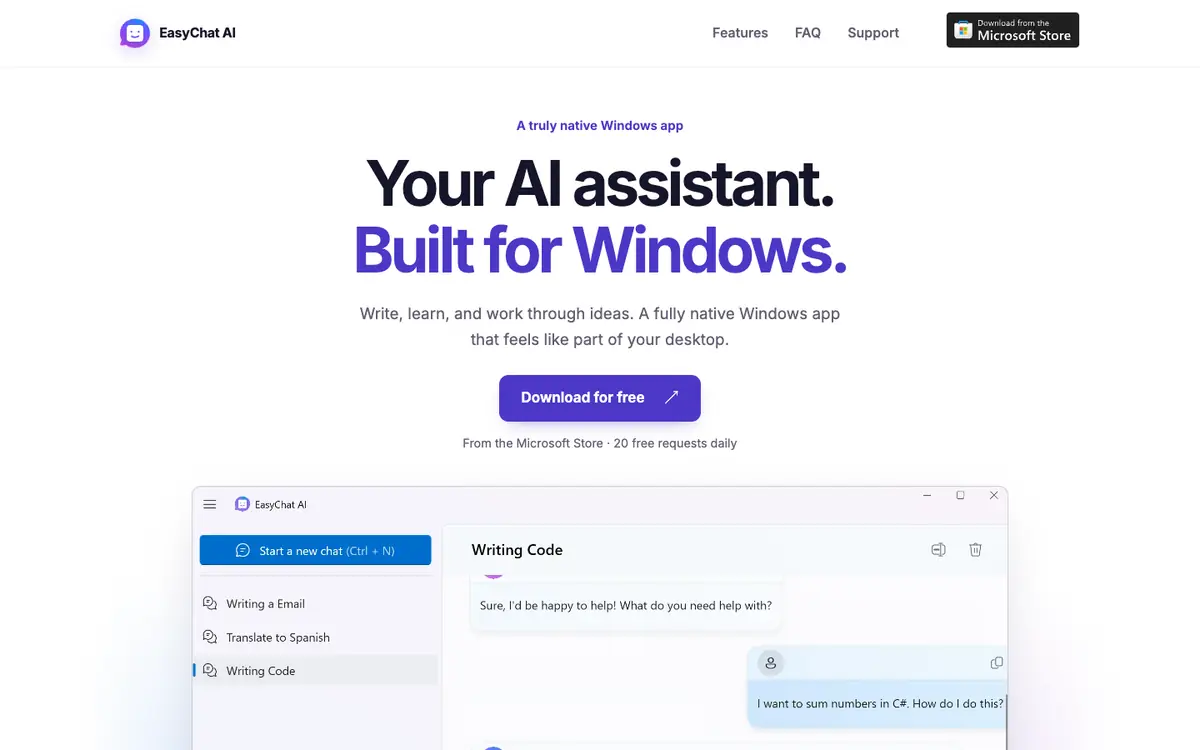
Tool profile · Publisher documentation
The product points below come from publisher documentation. No common hands-on test is claimed. Documentary profile, sources checked October 7, 2026. LE LABO IA has not tested this product.
Uses
Drafting text on Windows with an AI assistant, as described in the supplier documentation for writing tasks. Learning and working through ideas in a chat interface, matching the documented purpose of the tool. Opening a Quick Chat overlay for fast access while using Windows, based on the features listed by the supplier. Using a personal OpenAI API key in the optional bring-your-own-key mode described by the supplier.
Offer and pricing
The exact prices, billing period, quotas and extent of the free offer are not confirmed. The supplier indicates 20 free requests per day, which should be checked on the supplier site before relying on it. No paid plan amount is confirmed here, so no price range can be stated. Visit the supplier's current offer to confirm what is actually included and what is charged.
Limits to check
Prices, quotas, territorial availability and the exact terms of use are not confirmed and should be checked with the supplier. The documented features describe a Windows experience; availability on other systems is not confirmed. Free usage mentioned by the supplier is limited to 20 requests per day, according to the supplier documentation.
What to check yourself
On the supplier site, check the current price, billing period and what the 20 daily requests actually cover. If a trial is offered, open a simple chat on Windows, try the Quick Chat overlay, switch themes and confirm how the personal OpenAI API key option works. Ask the supplier directly about territorial availability and the exact terms of use before committing.
- The exact price, billing period and paid plan range are not confirmed and must be checked with the supplier.
- The number of free requests per day, stated as 20 by the supplier, is not independently confirmed.
- Territorial availability and the precise conditions of use remain unconfirmed.