Tool profile · Publisher documentation
The product points below come from publisher documentation. No common hands-on test is claimed. Documentary profile, sources checked October 7, 2026. LE LABO IA has not tested this product.
Uses
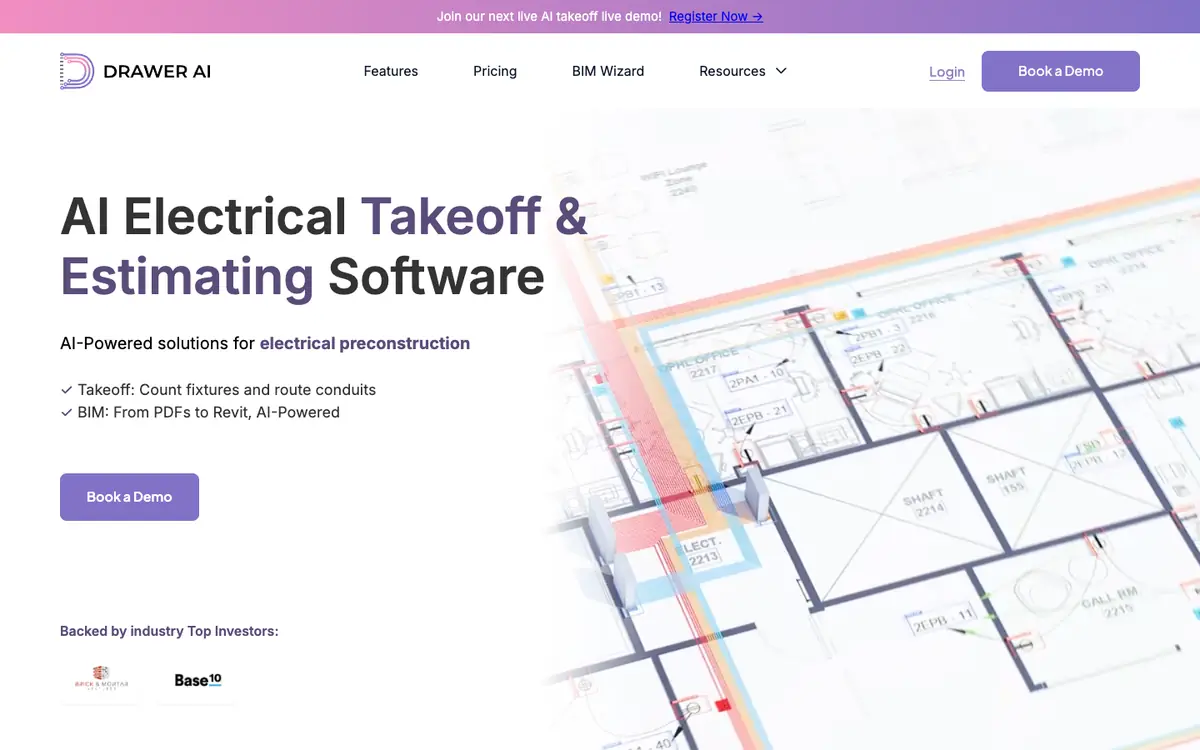
Automate electrical takeoff from PDF plans by detecting devices and fixtures and generating conduit routing. Assemble multi-page PDF plans into a single working set for takeoff and estimating. Export takeoff results to Excel and PDF for review or handoff. Model toward Revit for BIM-oriented workflows.
Offer and pricing
Pricing is not confirmed. Exact prices, billing period, quotas and whether a free tier exists have not been confirmed with the supplier. Check the supplier's current offer directly, since no amount or free trial is guaranteed.
Limits to check
LE LABO IA has not tested the product, and the profile relies on the public documentation of its supplier. Exact prices, quotas, territorial availability and usage terms are not confirmed and should be checked with the supplier.
What to check yourself
Before committing, visit the supplier site and confirm whether a free tier or trial exists and what limits apply. Check the current price, billing period and any quota for plan processing or exports. If possible during a trial, upload a multi-page PDF plan and verify device and fixture detection, conduit routing, Excel and PDF export, and Revit modeling output. Confirm territorial availability and usage terms with the supplier, since these are not confirmed.
- Pricing, billing period, quotas and whether a free tier exists are not confirmed.
- Territorial availability and exact usage terms are not confirmed.