Tool profile · Publisher documentation
The product points below come from publisher documentation. No common hands-on test is claimed. Documentary profile, sources checked October 7, 2026. LE LABO IA has not tested this product.
Uses
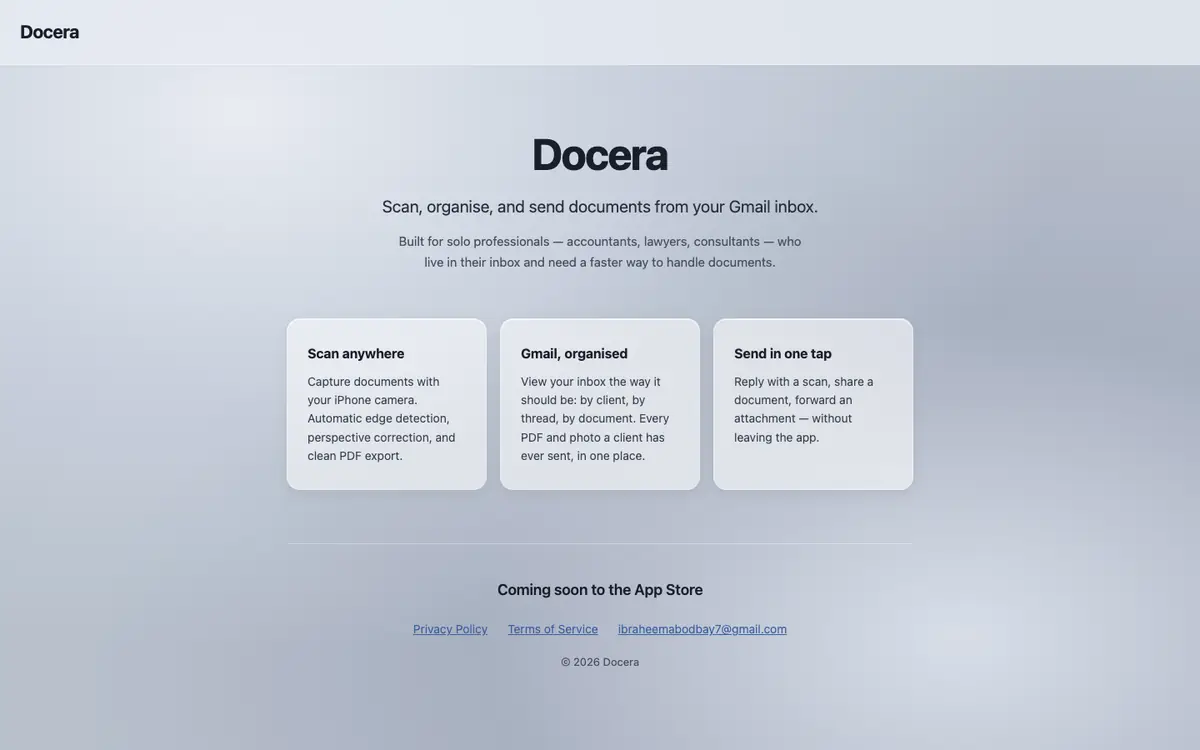
Scan a paper document with an iPhone camera instead of a dedicated scanner. Let automatic edge detection and perspective correction produce a straighter PDF export. Organise documents by client and by document type to keep files easier to find. Send a scanned document from a Gmail inbox when that is where the work already happens.
Offer and pricing
Pricing is not confirmed. No amount, billing period, quota or free tier is guaranteed, and the supplier should be consulted for the current offer before any commitment.
Limits to check
The product has not been tested: the documented functions, uses and limits come from the public documentation of its supplier. Prices, quotas, territorial availability and precise terms of use are not confirmed and should be checked with the supplier before committing. The documentation describes a scanning flow through an iPhone camera and Gmail, so other devices, mail services or file formats are not presented as covered.
What to check yourself
On the supplier site, check the functions that matter to you: scanning from an iPhone, automatic edge detection, perspective correction, PDF export and filing by client and document. During a trial, scan a real document, correct an imperfect shot, export the PDF and try to find it again through the filing system. Also ask the supplier directly about prices, quotas, availability where you work and the exact terms that apply to your use. Note these points before you pay or hand over sensitive documents.
- The price, billing period and quotas of Docera are not confirmed.
- Free access and trial conditions are not confirmed.
- Territorial availability and precise terms of use are not confirmed.
- The product has not been tested by LE LABO IA.