Tool profile · Publisher documentation
The product points below come from publisher documentation. No common hands-on test is claimed. Documentary profile, sources checked October 7, 2026. LE LABO IA has not tested this product.
Uses
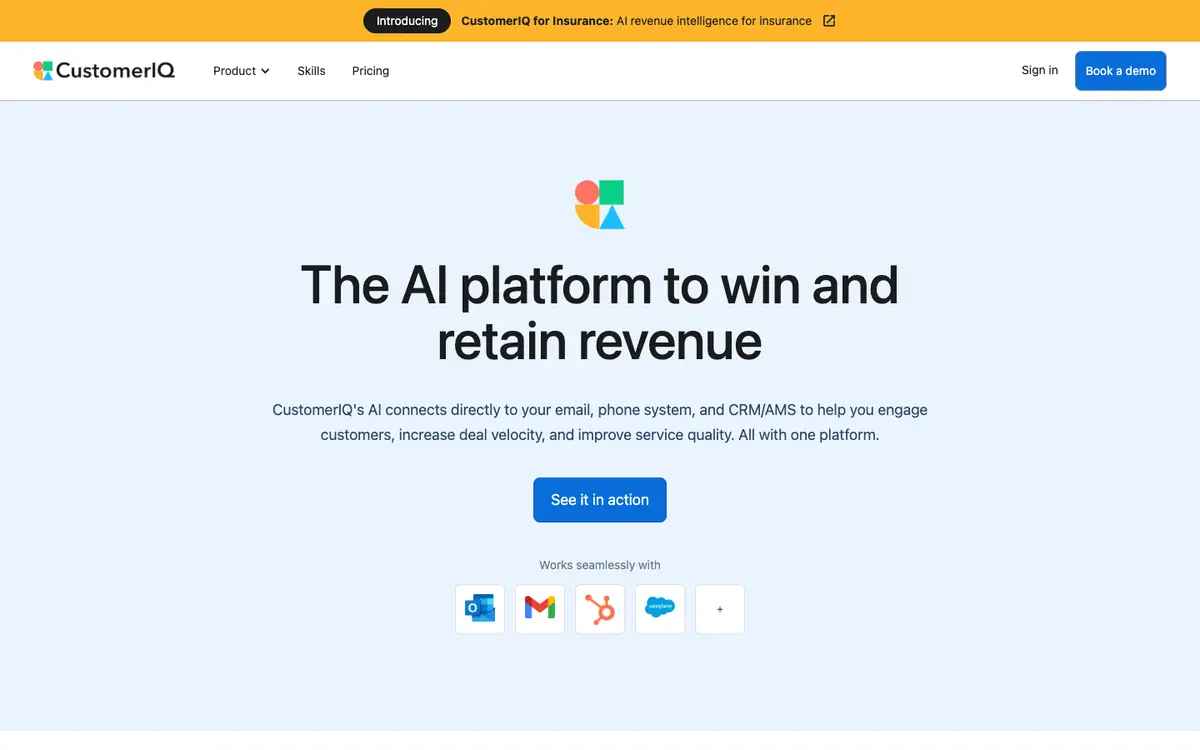
Sales teams can rely on CustomerIQ to capture customer conversations and turn them into CRM notes, follow-ups and reports. Service teams can use it to handle customer tickets while keeping the customer record up to date. Users can draft emails with the email assistant and produce automatic meeting notes. Reporting and analytics features support reviewing activity across sales and service.
Offer and pricing
Documented pricing: Plus at 59 USD per seat per month, Pro at 89 USD per seat per month, and Enterprise on quote. Workflow Credits are listed at 349 USD per month for 1,000 credits, and the Outlook Shared Inbox add-on at 149 USD per month. The pricing summary does not indicate the amount specific to the annual or monthly billing choice, so monthly totals involved in that choice need to be confirmed with the supplier.
Limits to check
The supplier documentation summarised here does not cover quotas, territorial availability or terms of use; check them with the supplier. The pricing summary does not indicate the amount specific to annual or monthly billing, so the price to pay needs to be confirmed with the supplier. The supplier's public documentation does not specify which countries the product is available in.
What to check yourself
Before committing, check the pricing page and confirm which billing option applies to the listed Plus, Pro and Workflow Credits amounts, since the annual or monthly split is not stated. During a trial, connect one email account and one CRM or AMS record, then verify that a real conversation becomes a usable CRM note and follow-up without manual rework. Also check how customer tickets are routed and how reports are generated against your own data.
- Quotas, availability by country and terms of use are not covered by the supplier summary and should be checked with the supplier.
- The pricing summary does not say how much each annual or monthly billing option costs, so the applicable amount should be confirmed with the supplier.
- The supplier's public documentation does not state which countries the product is available in.