Tool profile · Publisher documentation
The product points below come from publisher documentation. No common hands-on test is claimed. Documentary profile, sources checked October 7, 2026. LE LABO IA has not tested this product.
Uses
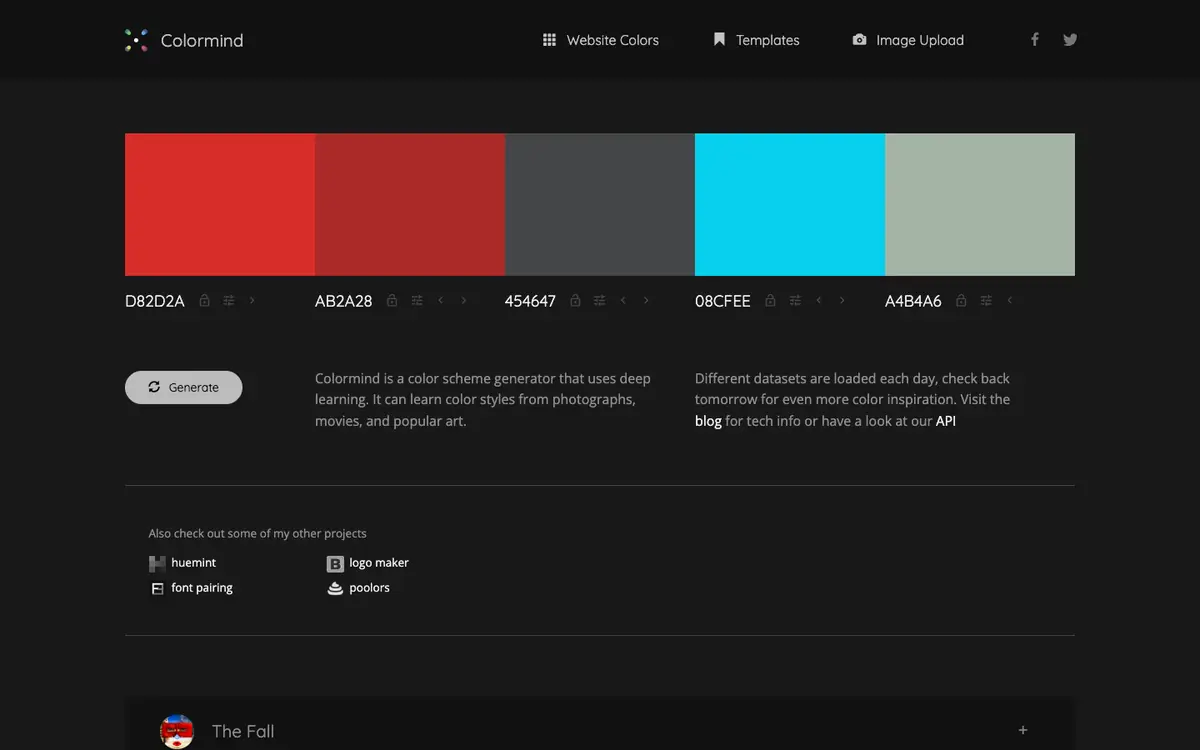
Generate a coherent color palette for a design project, based on the tool's documented ability to produce palettes from a deep learning model. Lock one or more starting colors, then let the tool fill in the remaining colors so the result stays close to your chosen tones. Learn color styles from a photograph, a movie frame or a piece of popular art, as described in the supplier's public documentation. Import an image to guide palette generation, a feature listed among the tool's documented features.
Offer and pricing
Exact prices, billing period, quotas and free access are not confirmed. Check the supplier's current offer directly, because no amount or free trial is guaranteed here.
Limits to check
LE LABO IA has not tested the product, so any performance, output quality or ease of use remains unverified. Prices, quotas, geographic availability and exact terms of use are not confirmed and should be checked with the supplier. The supplier's public documentation describes palette generation, color locking, style learning, image import and API access, but it does not guarantee these features in every context.
What to check yourself
Before committing, open the supplier's site and create a few palettes with different locked colors to see whether the output matches your expectations. If the site offers image import or API access, test them with your own image and a small script. Check the current prices, quotas and terms of use directly with the supplier, as these are not confirmed here. Keep a record of what works and what does not before you rely on the tool in a real project.
- Prices, billing period, quotas and free access are not confirmed.
- Geographic availability and exact terms of use are not confirmed.
- No hands-on test of the product has been performed.