
Uses
Automating repetitive video editing with a plugin for Premiere Pro and DaVinci Resolve. Removing silences from recorded footage. Generating automatic subtitles. Switching cameras for podcast recordings.

Tool profile · Publisher documentation
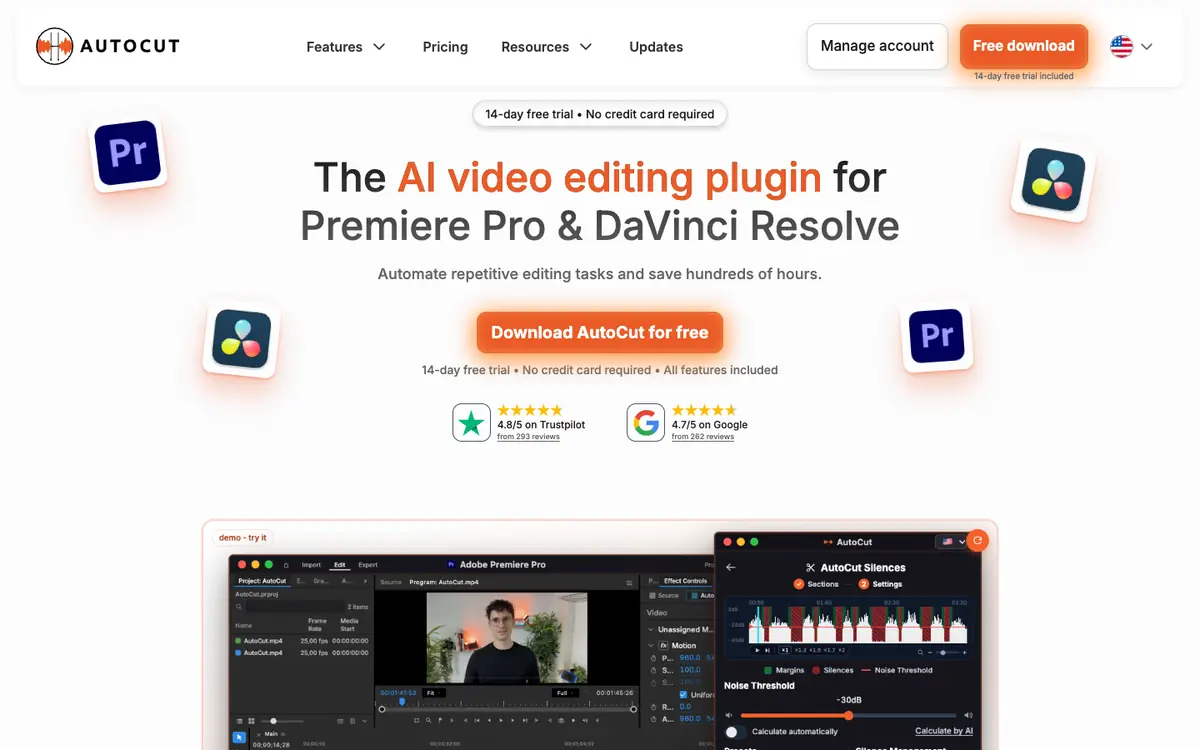
AutoCut is an AI video editing plugin for Premiere Pro and DaVinci Resolve that automates repetitive editing tasks. LE LABO IA has not tested the product, and this profile relies on the public documentation of its supplier. According to that documentation, AutoCut can remove silences, generate subtitles, switch cameras for podcasts, apply automatic zooms, and extract viral clips. Pricing is documented but not confirmed: a 14-day free trial is mentioned, along with monthly and annual plans. Basic is listed as limited to silence removal. Quotas, territorial availability, and usage terms are not confirmed, so check them with the supplier before committing. Intended users are editors and creators who want to speed up recurring post-production work directly inside their editing software.
Tool profile · Publisher documentation
The product points below come from publisher documentation. No common hands-on test is claimed. Documentary profile, sources checked October 7, 2026. LE LABO IA has not tested this product.
Automating repetitive video editing with a plugin for Premiere Pro and DaVinci Resolve. Removing silences from recorded footage. Generating automatic subtitles. Switching cameras for podcast recordings.
The supplier documentation lists a 14-day free trial and a range from 9.90 USD per month to 238.80 USD per year depending on plan. Monthly view: Basic 9.90 USD per month, AI 19.80 USD per month, Enterprise 19.90 USD per license per month. Annual view: Basic 79 USD per year, AI 178.80 USD per year, Enterprise 238.80 USD per year, with a 25% savings shown. Basic is limited to silences. These prices, quotas, and terms are not confirmed, so check them with the supplier.
LE LABO IA has not tested AutoCut. Quotas, territorial availability, and usage terms are not confirmed; check them with the supplier. Pricing should be rechecked with the supplier before committing, and Basic is limited to silence removal.
Before committing, visit the supplier site and start the free trial if available. Test silence removal, subtitle generation, and camera switching on your own editing software. Check the plan limits for your needs, especially whether Basic covers more than silence removal. Confirm current pricing, quotas, and terms directly with the supplier.