Tool profile · Publisher documentation
The product points below come from publisher documentation. No common hands-on test is claimed. Documentary profile, sources checked October 7, 2026. LE LABO IA has not tested this product.
Uses
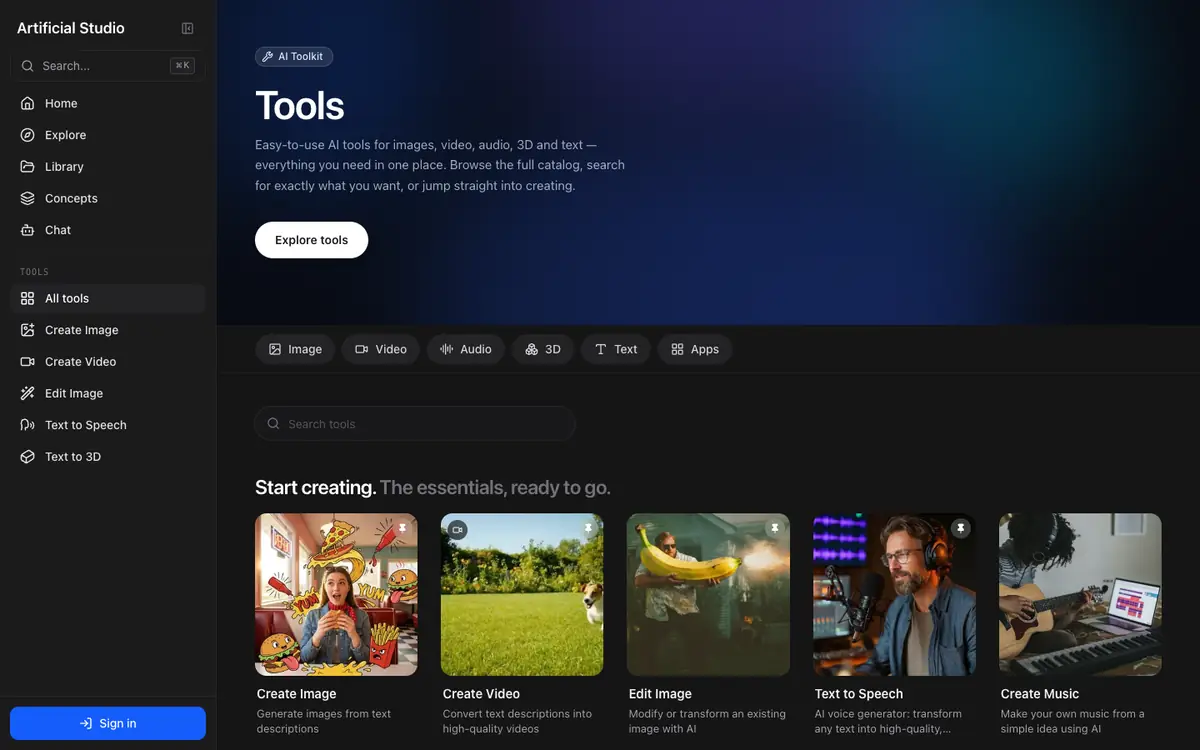
Generating images from text prompts or reference material. Creating and editing videos for short clips, presentations or social formats. Synthesising voice and music for narration, jingles or prototypes. Generating 3D models for product mockups or concept work.
Offer and pricing
Pricing, billing period, quotas and whether a free tier exists are not confirmed. No amount and no free trial can be guaranteed here. Check the supplier's current offer directly to see what is included and at what price.
Limits to check
LE LABO IA has not tested the product; this profile relies on the supplier's public documentation. Exact prices, quotas, territorial availability and terms of use are not confirmed.
What to check yourself
Before committing, open the tool catalogue and create a small sample in one media type, such as an image or a short video, to see how the output matches your needs. Check the current pricing page to confirm the plan, billing period and whether a free tier exists. Also look for the quota limits that apply to your plan and the exact terms of use. If your work involves several media types, test more than one, since performance may vary between them.
- Pricing, billing period, quotas and whether a free tier exists are not confirmed.
- Territorial availability and exact terms of use are not confirmed.